

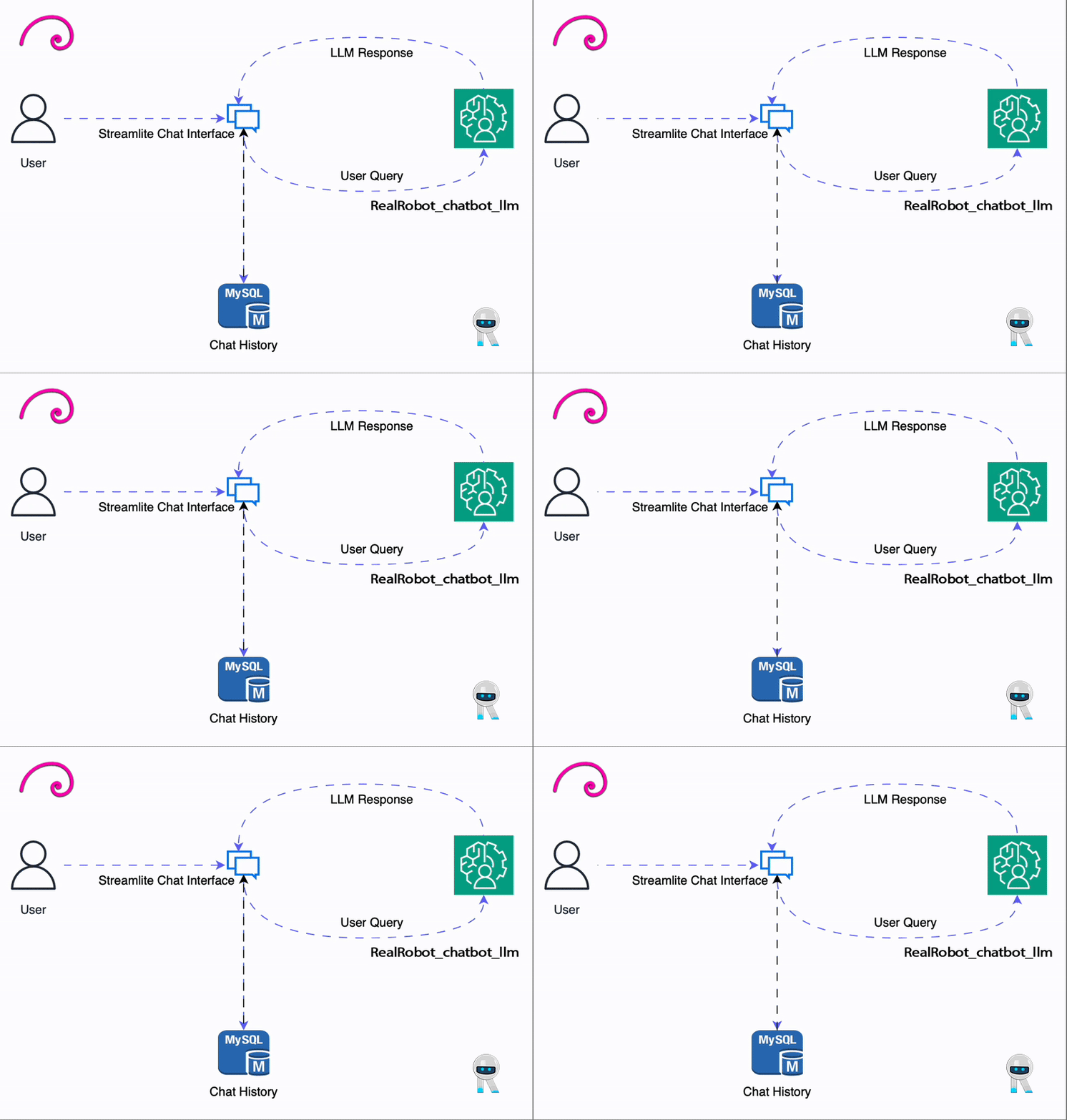
RealRobot_chatbot_llm (GGUF) - The Blueprint for Specialized Product AI
 This repository contains the highly optimized GGUF (quantized) version of the
 RealRobot_chatbot_llm model, developed by fibonacciai.
Our model is built on the efficient Gemma3n architecture and is fine-tuned on a proprietary dataset from the RealRobot product catalog. This model serves as the proof-of-concept for our core value proposition: the ability to rapidly create accurate, cost-effective, and deployable specialized language models for any business, based on their own product data.
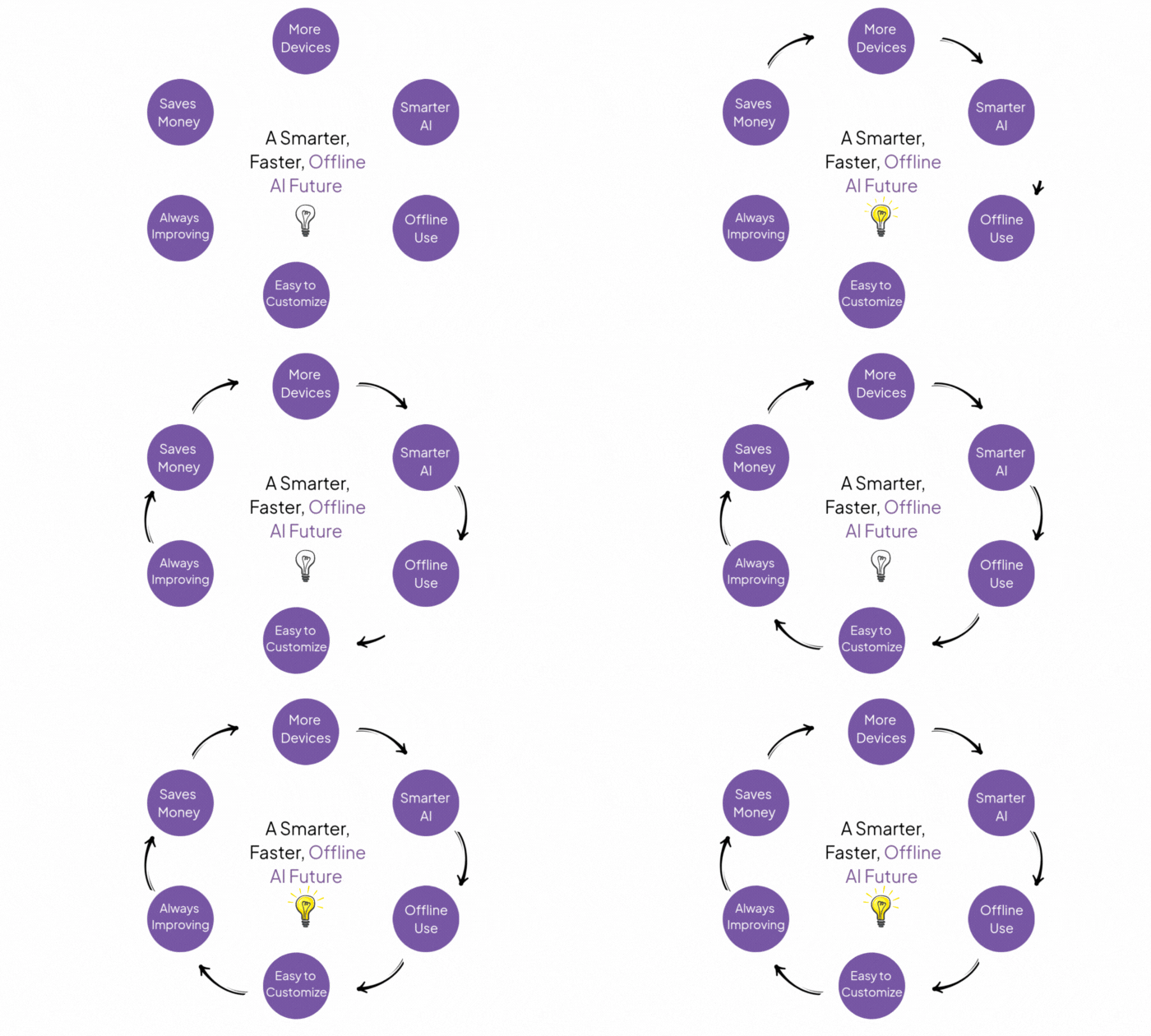
📈 Key Advantages and Value Proposition
The RealRobot_chatbot_llm demonstrates the unique benefits of our specialization strategy:

- Hyper-Specialization & Accuracy: The model is trained exclusively on product data, eliminating the noise and inaccuracy of general-purpose models. It provides authoritative, relevant answers directly related to the RealRobot product line.
- Scalable Business Model: The entire process—from dataset creation to GGUF deployment—is a repeatable blueprint. This exact specialized AI solution can be replicated for any company or platform that wishes to embed a highly accurate, product-aware chatbot.
- Cost & Resource Efficiency: Leveraging the small and optimized Gemma 3n architecture, combined with GGUF quantization, ensures maximum performance and minimal computational cost. This makes on-premise, real-time deployment economically viable for enterprises of all sizes.
- Optimal Deployment: The GGUF format enables seamless integration into embedded systems, mobile applications, and local servers using industry-standard tools like
llama.cpp.
📝 Model & Architecture Details: Gemma 3n
The RealRobot_chatbot_llm is built upon the cutting-edge Gemma 3n architecture, a powerful, open model family from Google, optimized for size and speed.
| Feature | Description |
|---|---|
| Base Architecture | Google's Gemma 3n (Optimized for size and speed) |
| Efficiency Focus | Designed for accelerated performance on local devices (CPU/Edge) |
| Model Size | Approx. 4 Billion Parameters (Quantized) |
| Fine-tuning Base | gemma-3n-e2b-it-bnb-4bit |
|
📊 Training Data: RealRobot Product Catalog
This model's high accuracy is a direct result of being fine-tuned on a single-domain, high-quality dataset:
- Dataset Source:
fibonacciai/RealRobot-chatbot-v2 - Content Focus: The dataset is composed of conversational data and information derived directly from the RealRobot website product documentation and support materials.
- Purpose: This data ensures the chatbot can accurately and effectively answer customer questions about product features, usage, and troubleshooting specific to the RealRobot offerings.

⚙️ How to Use (GGUF)
This GGUF model can be run using various clients, with llama.cpp being the most common.
1. Using llama.cpp (Terminal)
Clone and build
llama.cpp:git clone [https://github.com/ggerganov/llama.cpp](https://github.com/ggerganov/llama.cpp) cd llama.cpp makeRun the model: Use the
--hf-repoflag to automatically download the model file. Replace[YOUR_GGUF_FILENAME.gguf]with the actual filename (e.g.,RealRobot_chatbot_llm-Q8_0.gguf)../main --hf-repo fibonacciai/RealRobot_chatbot_llm \ --hf-file [YOUR_GGUF_FILENAME.gguf] \ -n 256 \ -p "<start_of_turn>user\nWhat are the main features of the RealRobot X1 model?<end_of_turn>\n<start_of_turn>model\n"
2. Using llama-cpp-python (Python)
Install the library:
pip install llama-cpp-pythonRun in Python:
from llama_cpp import Llama

GGUF_FILE = "[YOUR_GGUF_FILENAME.gguf]"
REPO_ID = "fibonacciai/RealRobot_chatbot_llm"

llm = Llama.from_pretrained(
    repo_id=REPO_ID,
    filename=GGUF_FILE,
    n_ctx=2048,
    chat_format="gemma",  # Use the gemma chat format
    verbose=False
)

messages = [
    {"role": "user", "content": "How do I troubleshoot error code X-404 on the platform?"},
]

response = llm.create_chat_completion(messages)
print(response['choices'][0]['message']['content'])
⚠️ Limitations and Bias
- Domain Focus: The model is highly specialized. It excels in answering questions about RealRobot products but will have limited performance on general knowledge outside this domain.
- Output Verification: The model's output should always be verified by human oversight before being used in critical customer support or business processes.
📜 License
The model is licensed under the Apache 2.0 license.
📞 Contact for Specialized AI Solutions
For specialized inquiries, collaboration, or to develop a custom product AI for your business using this scalable blueprint, please contact: [[email protected]] [www.RealRobot.ir]

- Downloads last month
- 40
8-bit